
Why a 144Hz Monitor Can Make a 60Hz Physics Engine Look Like It Is Stuttering
Even if your graphics card is pumping out a flawless 144 frames per second, a rigid 60Hz physics engine can introduce micro-stutter. Here is why mismatches between simulation and rendering loops cause visual jitter.

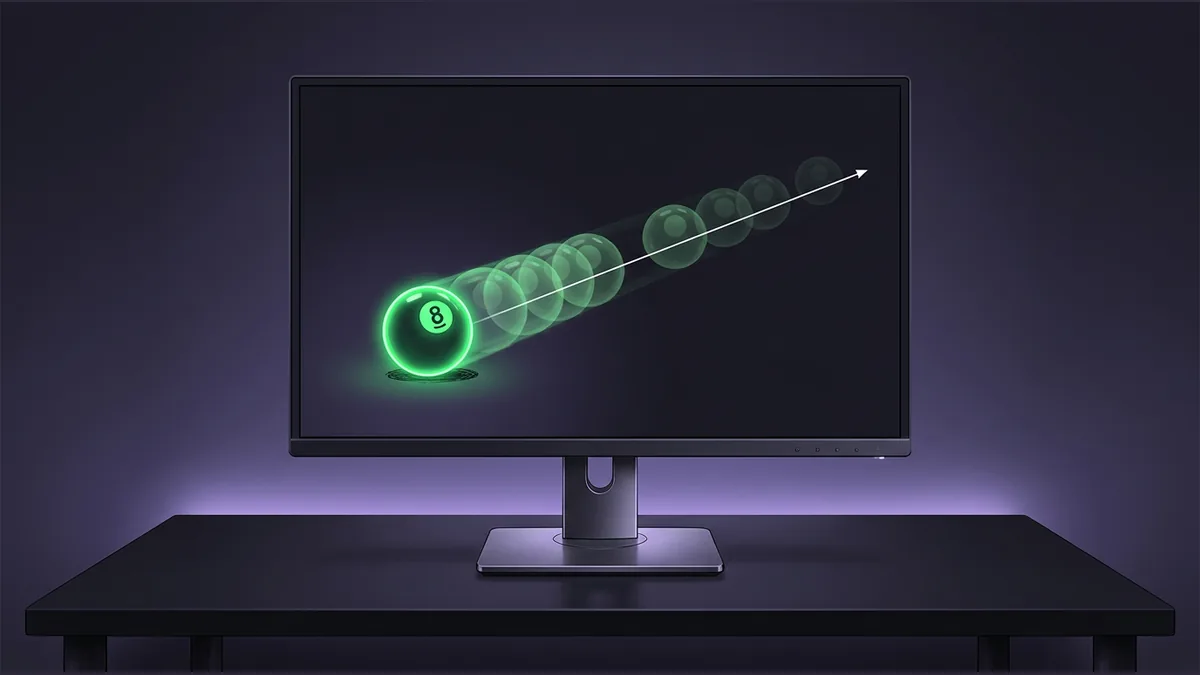

You have spent money on a high-refresh-rate monitor, and your graphics card is delivering a steady 144 frames per second. Yet, as you watch a character run or a ball bounce, the movement feels strangely uneven. This frustrating phenomenon is not necessarily a hardware flaw. Instead, it often stems from a fundamental architectural split inside the game engine: the division between how fast a game draws images and how fast it calculates physical reality. While the rendering loop might target 144 Hz or 240 Hz to match modern displays, the underlying physics simulation typically runs at a fixed, much lower tick rate, such as 60 ticks per second.
One might wonder why game developers do not simply tie the physics simulation rate directly to the rendering frame rate. The reason is that physics engines require a highly consistent, predetermined tick rate to behave reliably. If a racing game designed for 60 ticks per second suddenly drops to 10 ticks per second during a heavy graphical load, or spikes to 144 ticks per second on a high-end monitor, the simulated cars would behave completely differently, potentially flying off the track or clipping through solid walls. Keeping the physics simulation on a rigid, predictable clock ensures that game logic remains stable and fair across all systems.
To understand how this mismatch looks on screen, imagine a hypothetical digital clock that only updates its display once every second, while a high-speed camera takes exactly 2.4 photos of it every second. Some photos will capture the exact same second twice, while other photos will capture a new second. If you play those photos back as a continuous video, the passage of time on the clock will appear to hitch and jump unevenly. This occurs even though the camera itself was perfectly steady and fast.
In a video game, this mismatch manifests as a staircasing effect. When the rendering engine draws frames faster than the physics engine updates its positions, some rendered frames are forced to display duplicate physical states, while others jump forward to catch up with a newly calculated tick. This out-of-phase relationship produces visible glitches and micro-stutter, ruining the fluid experience that a 144Hz monitor is supposed to provide.
Solving the Mismatch with Interpolation
To resolve this visual jitter, game engines employ a technique called fixed timestep interpolation. Instead of simply rendering the absolute latest physics state, the engine tracks both the current position of a physics object and its position during the previous physics tick. By knowing these two points, the engine can calculate smooth intermediate positions for every single rendered frame, filling in the gaps between the slower physics ticks.
However, this elegant solution introduces a minor compromise. Because the engine must interpolate between the previous tick and the current tick, the visual representation shown on your screen is actually delayed by one to two physics ticks into the past. For most players, this tiny delay is entirely imperceptible, and the trade-off is well worth the dramatic increase in visual smoothness.
For game developers, implementing this solution requires strict discipline. If a programmer attempts to modify an object's position or transform outside of the standard physics tick loop while interpolation is active, the engine's calculations will break. This disruption leads to incorrect positional estimates and brings back the very visual jitter they were trying to prevent.
Your reaction
Loading reactions…

Comments 0
Review comments