
Why a Frame-Count Timer Makes Power-Ups Change Length Across PCs
If a cooldown, buff, or projectile lifespan advances on rendered frames, its real-world length can shift with refresh rate. A fixed physics tick keeps that timing stable across machines.

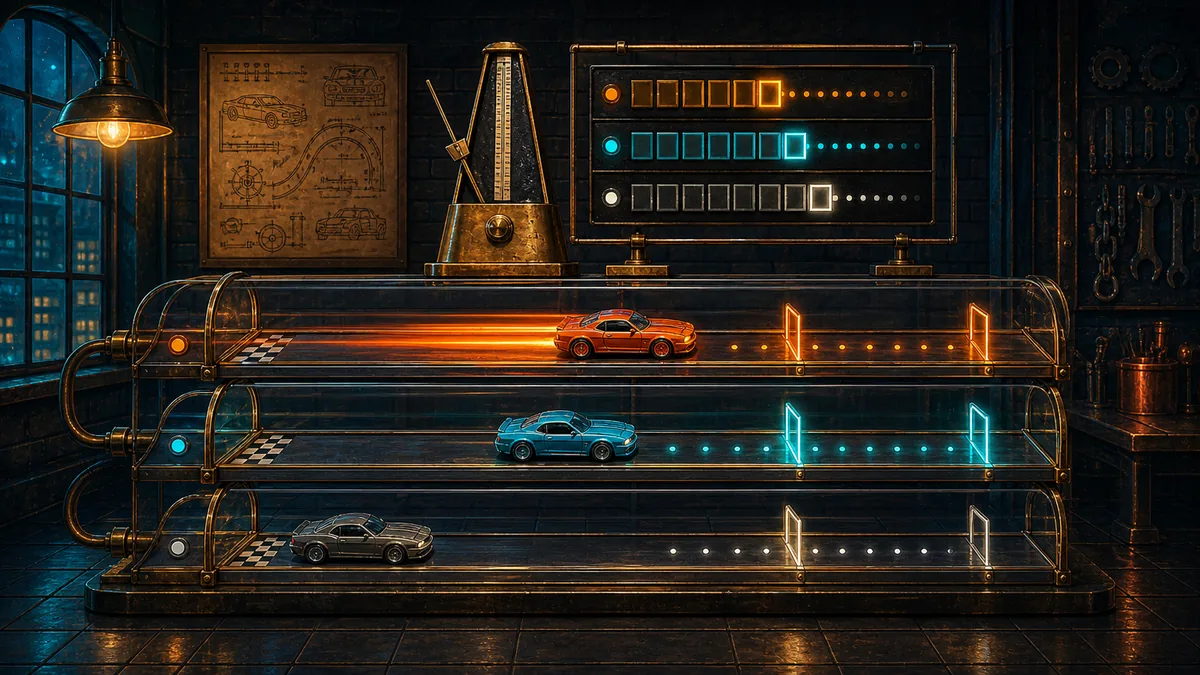

A power-up can feel perfectly balanced in the code and still last for different amounts of real time on different PCs if its timer advances once per rendered frame. The reason is that a rendered frame is a visual update, while a physics tick is a simulation step. Godot separates those two clocks, and rendering does not have to match the physics rate.
Rendered frames and physics ticks measure different things
Think of a frame-count timer as counting screen updates, not seconds. That is fine only when the game is actually supposed to follow the display rate. If the machine draws faster, the counter reaches its limit in less wall-clock time. If it draws slower, the same counter stretches out. The code can still look consistent, because it is always doing the same number of increments, but the player experience changes because the underlying clock changed.
Godot’s documentation makes the broader point clearly: physics and game logic are most consistent when they run at a fixed, predetermined tick rate. It also warns that if a game designed around one tick rate runs at another, controls, collisions, and trajectories can behave differently. A duration tied to the wrong clock is just another version of that same problem.
Why the same boost can last longer on one machine
Hypothetical example: a racing game gives every boost 180 rendered frames. On a machine rendering at 60 frames per second, that boost lasts about 3 seconds. On a machine rendering at 120 frames per second, the same 180 frames expire in about 1.5 seconds. The boost strength did not change. Only the clock attached to the duration changed.
This mismatch can hide during testing because one setup may accidentally line up with the intended feel. Godot notes that a single physics update can be shown for multiple rendered frames when the tick rate and frame rate differ. That means a frame-based timer may appear steady in one environment while drifting in another, even though the underlying game logic has not changed.
How to tell which clock your game is using
- If the duration changes when the frame rate changes, the timer is probably tied to rendered frames.
- If the game updates movement and logic in _physics_process, it is using a physics tick rather than a render frame for those actions.
- If object transforms are set only during physics ticks, the game is more likely to stay consistent across machines.
What the fix is in practice
For gameplay timing that should feel the same on different machines, tie the countdown to the simulation side of the engine, not to rendering. Godot specifically recommends moving and performing game logic in _physics_process rather than _process, because _physics_process runs on a physics tick while _process runs on a rendered frame. When transforms stay on the physics side, interpolation can fill in the visual gaps between ticks and keep motion smooth.
The useful rule is simple: use frames only when the effect is meant to follow visual refresh. Use a physics tick when the effect should last the same amount of game time for everyone. That applies to cooldowns, buffs, and projectile lifespans. If you anchor those effects to rendered frames, some players will get a shorter or longer result simply because their computer draws at a different rate.
Your reaction
Loading reactions…

Comments 0
Review comments