
Why Your Multiplayer Game Silently Ignores Client Inputs After a Local Spawn
Discover why Godot multiplayer games silently discard client remote procedure calls after local node spawning, and how to align network authority.

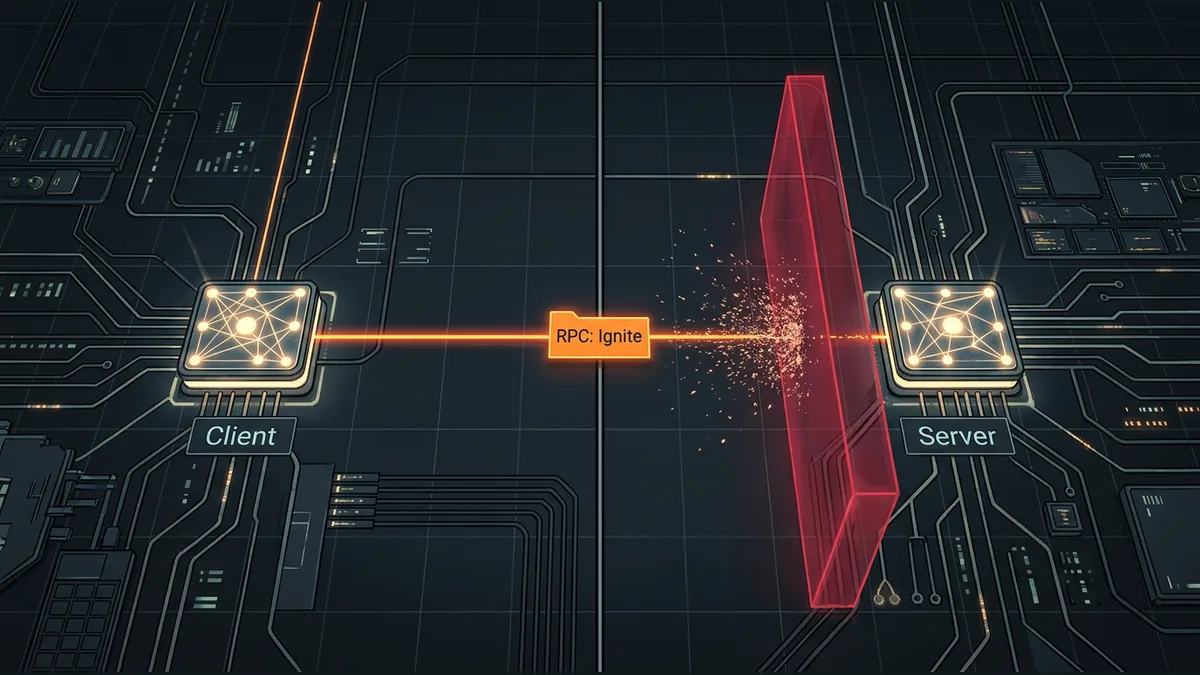

When developing multiplayer games, few bugs are as frustrating as inputs that work perfectly on a local client but are completely ignored by the server. In engines like Godot, this silent failure often happens right after a client spawns an object locally and attempts to control it. The network packets are sent, but the server discards them without throwing an explicit error, leaving developers scratching their heads.
The Default Authority Mismatch
By default, Godot designates the server as the multiplayer authority for any newly created node, though developers can change this on a per-node basis by calling the set_multiplayer_authority function. Under Godot's default authority RPC mode, only the designated multiplayer authority is allowed to make remote calls. If a client instantiates a node locally and immediately assumes it has the right to send commands, a security mismatch occurs. The server still views itself as the default authority, recognizes that the incoming RPC did not originate from the authorized peer, and silently drops the packet to prevent unauthorized clients from manipulating game state.
The Importance of Matching NodePaths
For any remote procedure call to execute successfully, the sending node and the receiving node must share the exact same NodePath, which requires them to have the same name. When a client spawns a node locally without server coordination, the node might end up with a different name or a different position in the scene tree compared to what exists on the server. If the NodePaths do not match perfectly, the RPC cannot find its target, resulting in a failed transmission.
A Hypothetical Flare Spawning Failure
Consider a hypothetical co-op shooter where a player presses a button to throw a flare. The client game immediately instantiates a Flare node locally, calls the set_multiplayer_authority function to assign authority to its own peer ID, and then triggers an ignite RPC to light the flare. However, because the server did not coordinate this spawn, its own instance of the Flare node remains under the default server authority, which is peer ID 1. When the client's ignite RPC arrives at the server, the server compares the sender's peer ID with its local authority ID for that node. Detecting a mismatch, the server silently discards the packet, and the flare never lights up on other players' screens.
Ensuring Network Synchronization
- Use a MultiplayerSpawner node to automatically replicate spawned nodes with matching names across all peers.
- Ensure the server coordinates the spawning process and explicitly assigns multiplayer authority to the controlling client.
- Verify that NodePaths match exactly on both the client and the server before invoking RPCs.
The key takeaway is that clients cannot unilaterally declare authority over newly spawned nodes. To keep multiplayer inputs reliable, always coordinate node creation through the server and ensure that both the server and client agree on who owns the node before sending RPCs.
Your reaction
Loading reactions…

Comments 0
Review comments