
Why a Single Slow GPU Can Quietly Stall an Entire Server Cluster
When training large-scale AI models, a single underperforming graphics card can act as a silent bottleneck, bringing an entire high-performance computing cluster to a crawl.

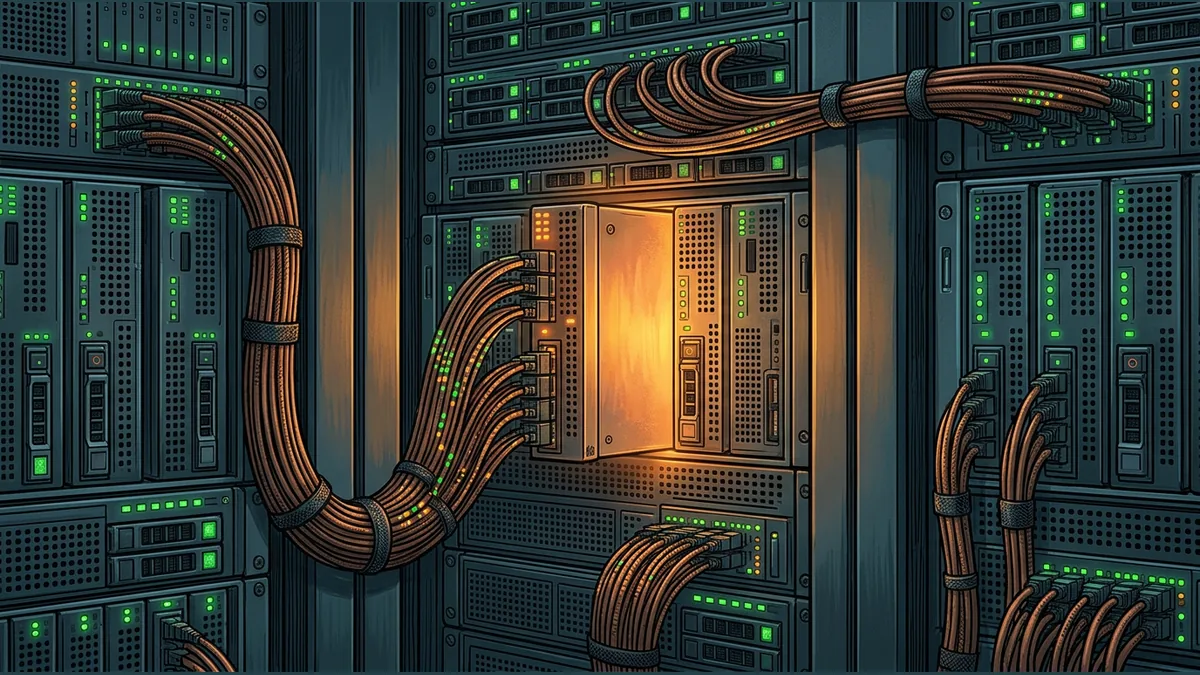

Distributed training of large-scale AI models relies on thousands of processors working in tight synchronization. Because these workloads split complex mathematical computations across a vast network, the speed of the entire operation is often bound by its slowest component. If a single graphics processing unit (GPU) begins to underperform, it can quietly stall the entire server cluster, even if the individual node appears healthy on paper.
The Illusion of a Healthy Node
Standard monitoring tools are designed to catch catastrophic hardware failures, such as complete power loss or disconnected components. However, a GPU operating slightly below its performance target can easily slip past these defenses. It might not generate standard hardware alerts like Xid errors, breach established monitoring thresholds, or display abnormal node metrics. To the system administrator looking at a basic dashboard, the problematic GPU looks like it is running at normal utilization, masking the underlying performance degradation.
How Synchronization Multiplies the Delay
To understand why one slow processor halts the entire system, consider a hypothetical assembly line where ten workers must hand off their completed parts at the exact same moment before anyone can proceed to the next step. If nine workers finish in ten seconds, but the tenth worker takes thirty seconds, the entire line operates at the thirty-second pace. Nine workers spend twenty seconds sitting idle.
In distributed AI training, this handoff occurs during collective communication phases. When a single localized error or slowdown occurs on one GPU, it does not remain isolated. Instead, it can trigger a cascade of symptoms across the network, such as Collective Communications Library (NCCL) errors surfacing on completely healthy ranks that are simply waiting for the delayed data.
Thermal Throttling and Remediation
What causes a GPU to slow down without failing completely? During intensive training tests or active workloads, processors generate massive amounts of heat. If a cooling system underperforms, a GPU may experience thermal throttling to protect itself from permanent damage. While this keeps the hardware alive, it lowers the clock speed just enough to delay the entire training job.
Modern cluster management systems attempt to address this by running automated diagnostic tests. When a node is caught thermal throttling or failing performance targets, the system can trigger quarantine and remediation processes to temporarily remove the problematic node from the active pool and attempt recovery.
Key Takeaways for Operators
- Implement deep performance-based benchmarking rather than relying solely on basic hardware up-or-down health checks.
- Monitor collective communication latency to quickly isolate which specific rank is causing cascade errors across the network.
- Set up automated quarantine workflows to immediately isolate nodes that exhibit thermal throttling during workloads.
Your reaction
Loading reactions…

Comments 0
Review comments