
Why an SSD Can Start a Copy Fast and Finish It Slowly
Understanding why high-performance solid-state drives slow down during large file transfers, and how to investigate the root cause.

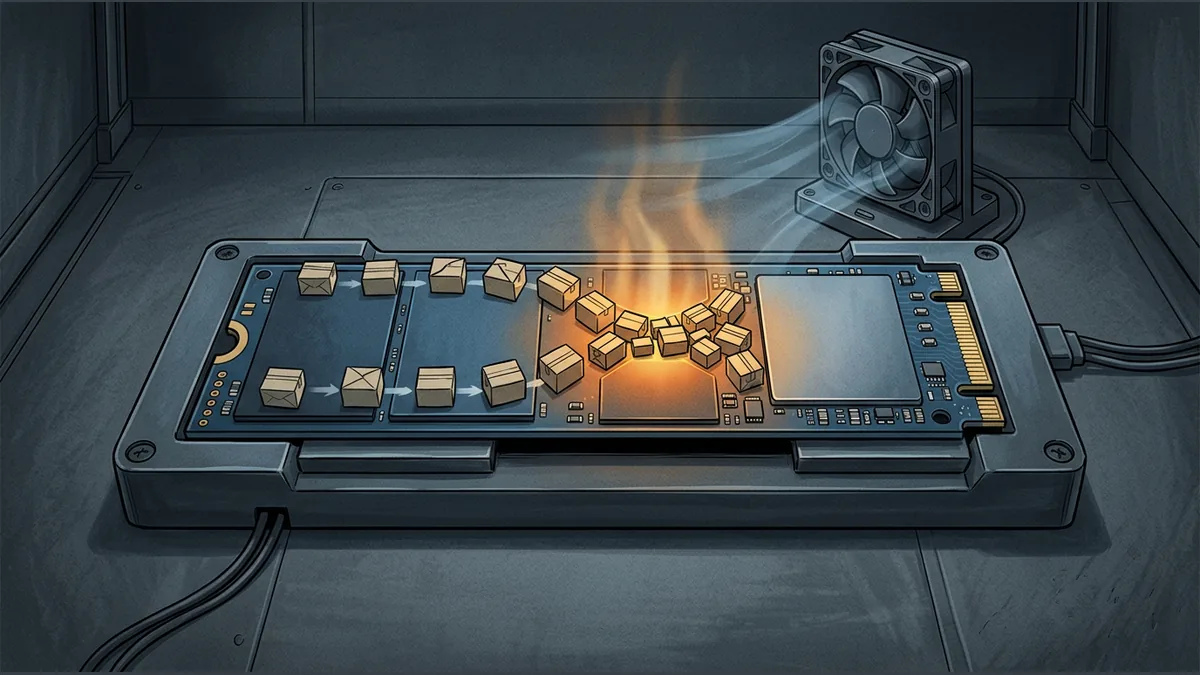

When you begin copying a large file to a modern solid-state drive (SSD), the transfer speed might initially look incredibly fast. However, as the transfer progresses, you might notice the progress bar stall or the transfer rate plummet. While it is easy to assume a slowing drive is faulty, this behavior is often a designed response to heavy workloads.
The Role of Thermal Throttling
High-performance NVMe SSDs can generate significant heat when subjected to heavy, sustained workloads. To protect the drive's components from damage, the controller firmware may automatically reduce performance to maintain a safe operating temperature. This protective performance reduction is known as thermal throttling, and it is particularly common during long workloads.
Investigating a Slowdown
A transfer slowdown on its own does not definitively prove that thermal throttling is the cause. To investigate what is happening, you can monitor the drive's behavior while running a representative task and check the physical airflow around the drive. Ensuring proper cooling and airflow can help mitigate these performance drops.
A Hypothetical Example of Thermal Behavior
Imagine copying a 100 GB video archive to an NVMe SSD. For the first 20 GB, the transfer runs at peak speed because the drive starts cool. As the write operation continues continuously for several minutes, the controller temperature rises. Once an internal threshold is reached, the firmware throttles the speed to prevent overheating, causing the remaining 80 GB to transfer at a fraction of the initial speed.
Key Takeaways for Users
- Sustained workloads can cause high-performance SSDs to heat up significantly.
- Firmware protects the hardware by reducing speeds when temperatures rise.
- A slowdown does not automatically mean a drive is broken or defective.
- Improving case airflow or adding cooling can help maintain higher speeds for longer periods.
Your reaction
Loading reactions…


Comments 0
Review comments