
Why Copying a Live Database File Produces a Corrupted Backup
Simply copying an active database file using standard file utilities often leads to unrecoverable data corruption due to concurrent write operations.

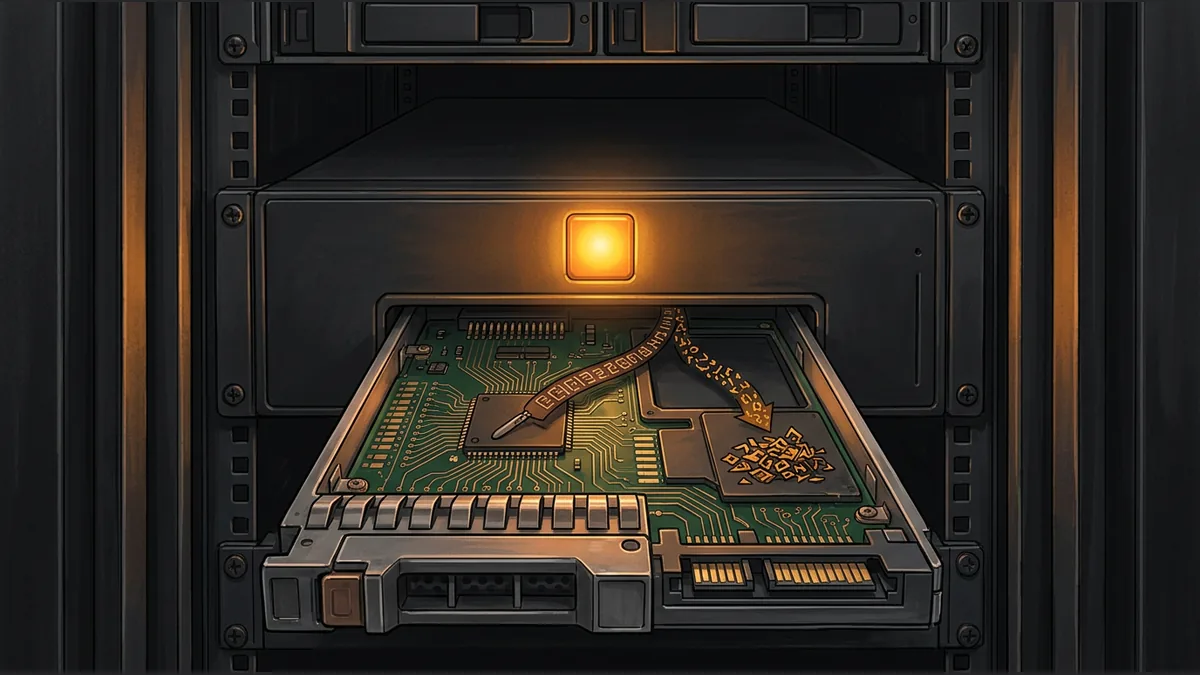

When backing up critical systems, it is tempting to use standard file-copy utilities to duplicate a database file. However, performing a direct copy on a live, active database often results in a corrupted backup that cannot be restored. This issue stems from a fundamental conflict between how file copy tools read data and how database engines write it.
The Conflict of Sequential Reading and Concurrent Writing
Standard file-copy utilities operate by reading a file sequentially from the beginning to the end. In contrast, an active database engine writes data concurrently across various locations in the file as transactions occur. If another connection writes to the database file while a copy utility is reading it without proper locking, the copy utility might capture some data before a change is made and other data after the change is made. This timing mismatch destroys the appearance of an atomic transaction, leaving the copied file in an inconsistent state.
Understanding Torn Pages and Atomicity
In database management, atomicity ensures that a transaction is treated as a single, indivisible unit of work; either all changes are saved, or none are. When a file-copy tool reads a live database, it can capture a partial transaction. This phenomenon is often referred to as a torn page or an inconsistent state, where the internal pointers, indexes, and tables of the database no longer align, rendering the backup file corrupted and unreadable by the database engine.
A Hypothetical Example of a Torn Copy
Imagine a system administrator runs a standard copy command on a 100-megabyte database file. Mid-copy, a transaction updates two linked tables: one located at offset 10 megabytes and another at offset 90 megabytes. Because the copy tool reads sequentially, it has already passed the 10-megabyte mark and copied the old data. However, it has not yet reached the 90-megabyte mark, so it copies the new, updated data at that location. The resulting backup file contains half of the transaction, violating atomicity and corrupting the database structure.
Safe Alternatives for Database Backups
- Using built-in database backup utilities that perform proper locking
- Implementing volume shadow copies or snapshots at the filesystem level
- Configuring replication to a secondary database instance
Key Takeaway for Administrators
Never rely on simple file-copy commands for live databases. To guarantee data integrity, always use dedicated database backup tools or locking mechanisms that preserve transaction atomicity.
Your reaction
Loading reactions…

Comments 0
Review comments