
Why Chaining Your Heavy Work in Promises Still Freezes the UI
Many developers break up long-running JavaScript tasks into Promise chains, expecting the browser to render UI updates between steps. However, this approach often fails to prevent interface freezing because of how the event loop prioritizes microtasks.

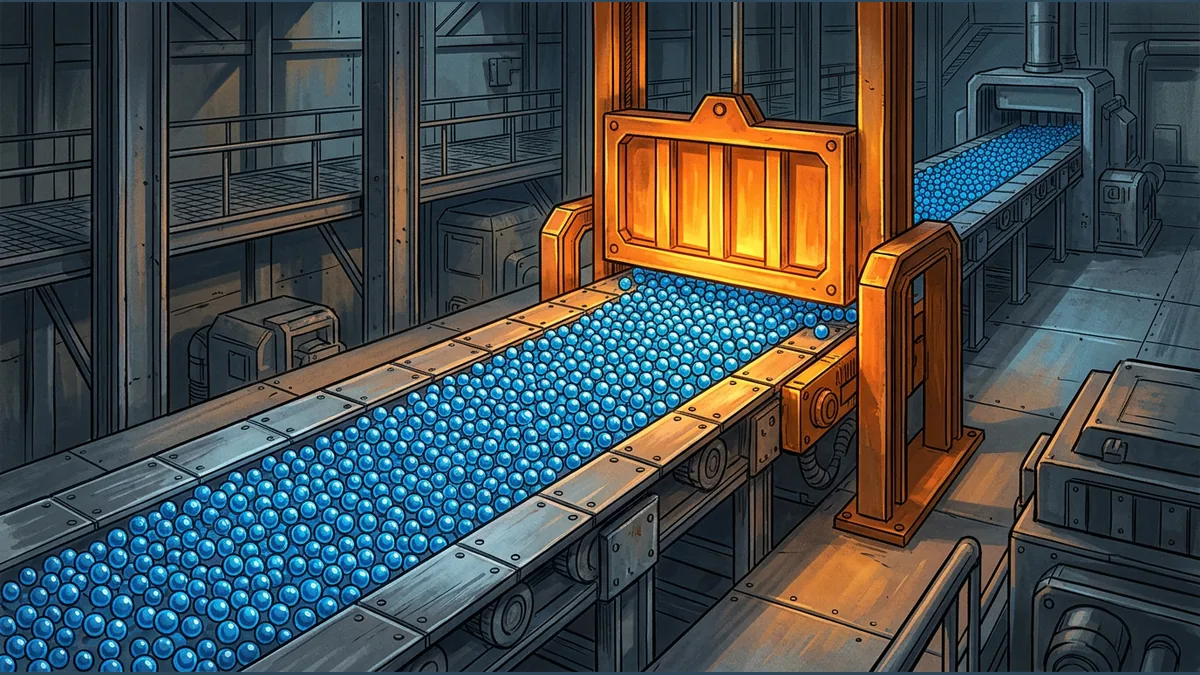

When building web applications, developers often encounter performance bottlenecks when executing heavy computational work on the main thread. A common strategy to keep the user interface responsive is to split a massive task into smaller chunks and chain them together using JavaScript Promises. The expectation is that by breaking the work into asynchronous steps, the browser will have breathing room to update the screen and respond to user inputs. However, this approach frequently fails, leaving the application just as frozen as it would be with a single synchronous loop.
The Single Thread and Long Tasks
The browser's main thread can only execute one task at a time. When a single task runs for more than 50 milliseconds, it is classified as a long task. If a job takes too long to complete, the browser is blocked from processing user interactions like clicks, typing, or scrolling, resulting in a sluggish or completely frozen user experience.
The Microtask Queue Trap
To understand why Promises do not automatically solve this issue, we must look at how the HTML event loop prioritizes different types of asynchronous work. The event loop distinguishes between standard tasks and microtasks. Promises utilize microtasks, which are designed for quick, immediate asynchronous reactions.
The critical issue is that the event loop prioritizes microtasks over standard tasks. The entire microtask queue must be completely drained to exhaustion before the browser is allowed to move on to other operations, such as processing user input or rendering visual updates. If a resolved Promise schedules another Promise, that new microtask is added to the end of the current microtask queue and executed immediately after. This creates a continuous loop of microtasks that starves the browser's rendering pipeline.
A Hypothetical Grid Processing Example
Consider a hypothetical image processing library designed to process a 1000x1000 pixel grid cell-by-cell. To avoid a single blocking synchronous loop, a developer might wrap each individual cell's calculation in a resolved Promise, hoping this allows a visual progress bar to update smoothly on the screen. However, because each Promise schedules a microtask that immediately schedules the next cell's microtask, the browser's event loop remains trapped in the microtask checkpoint. The main thread never gets a chance to yield to the rendering engine, leaving the progress bar frozen at 0% until the entire grid of one million cells is completely processed.
How to Achieve True Yielding
To allow the browser to render updates and handle user input between heavy operations, developers must yield control back to the main thread using standard tasks rather than microtasks. There are two primary ways to achieve this:
- Using setTimeout with a delay of 0, which postpones the execution of a callback function into a separate standard task, yielding control back to the main thread.
- Using the scheduler.yield API, which is specifically designed to yield to the main thread by returning a Promise that resolves in a future task, allowing the browser to perform layout and paint operations.
Reader Takeaway
Simply wrapping synchronous code in Promises does not prevent UI freezing because microtasks block the rendering pipeline until the queue is empty. To keep your application responsive during heavy computations, explicitly yield to the main thread using macrotask mechanisms like setTimeout or modern scheduling APIs.
Your reaction
Loading reactions…

Comments 0
Review comments